Purpose
Creates multiple processing paths for one dataset. Every branch receives the same complete input; branches can then perform independent transformations, exports and writes.
Inputs and outputs
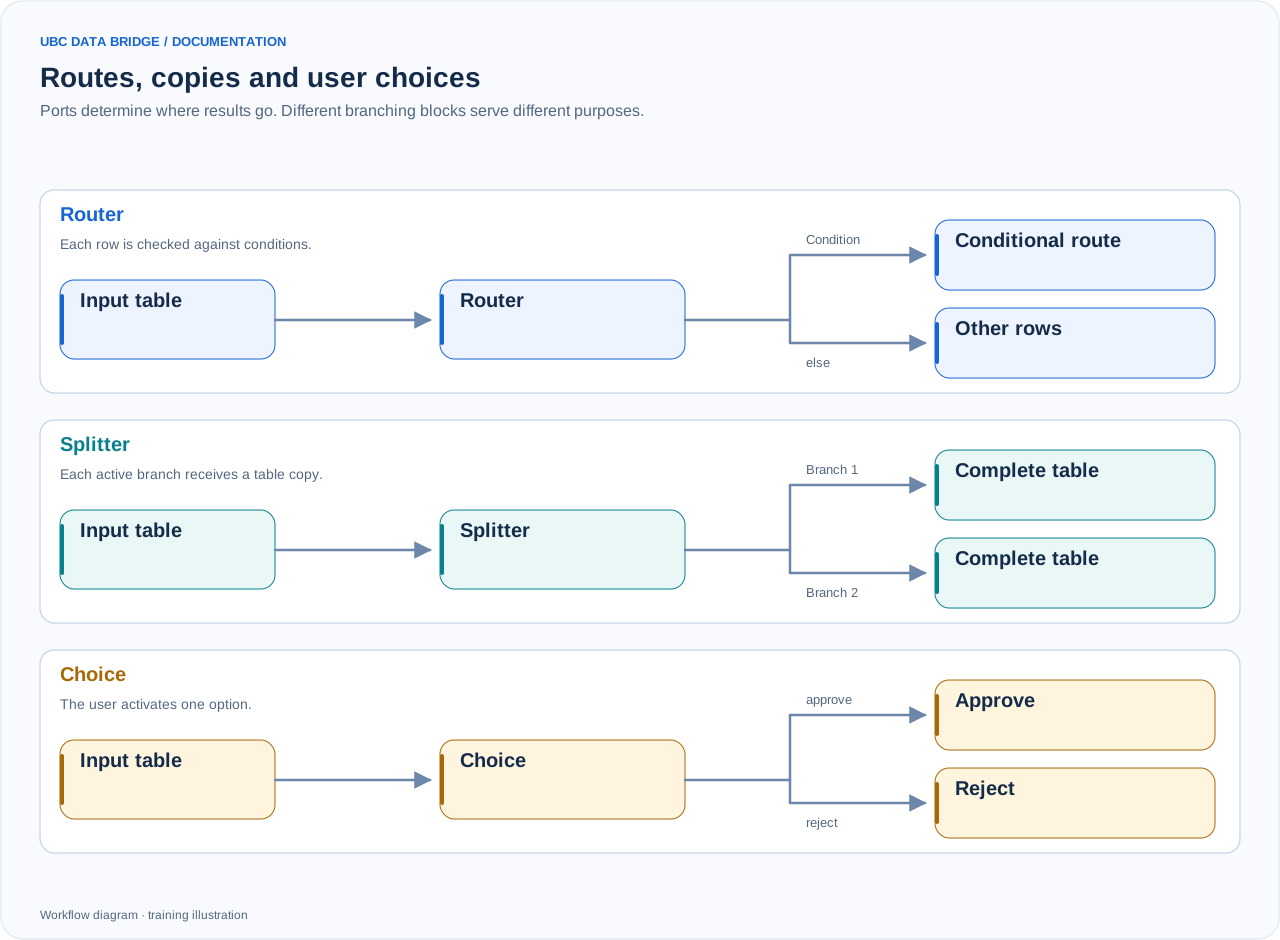
A comparison of routing, splitting and user choice. Routing can use first-match or all-match mode; the diagram shows a simple route and else. Merge also waits for a signal that an input is inactive.
One input, in; from 2 to 16 named outputs.
Parameters
| Parameter | Settings and values | Options and limits |
|---|---|---|
branches | A list of branches with unique id values and clear label values. | Count: 2–16 |
Step-by-step configuration
- Place the block after shared data reading or cleansing.
- Create the required number of branches and name them by purpose.
- Connect each output to its own chain.
- In a simulation, check that every branch starts with the same row count.
Rules and diagnostics
- There are no selection conditions; use “Routing” for those.
- The shared source is read once; independent blocks can be prepared in parallel.
- Writing takes place after the active targets for the relevant stage are checked; this does not imply a shared transaction across different external systems.
- Every output must be connected, or unused branches must be deleted.
Configuration example
After cleansing sales, create a “Load into cube” branch and a “Review Excel” branch. The first prepares IBM mapping; the second sends the entire table to “Data export”.