Purpose
Displays a form with option buttons in the wizard. The user chooses one option, and the entire input table goes only to the corresponding output.
Inputs and outputs
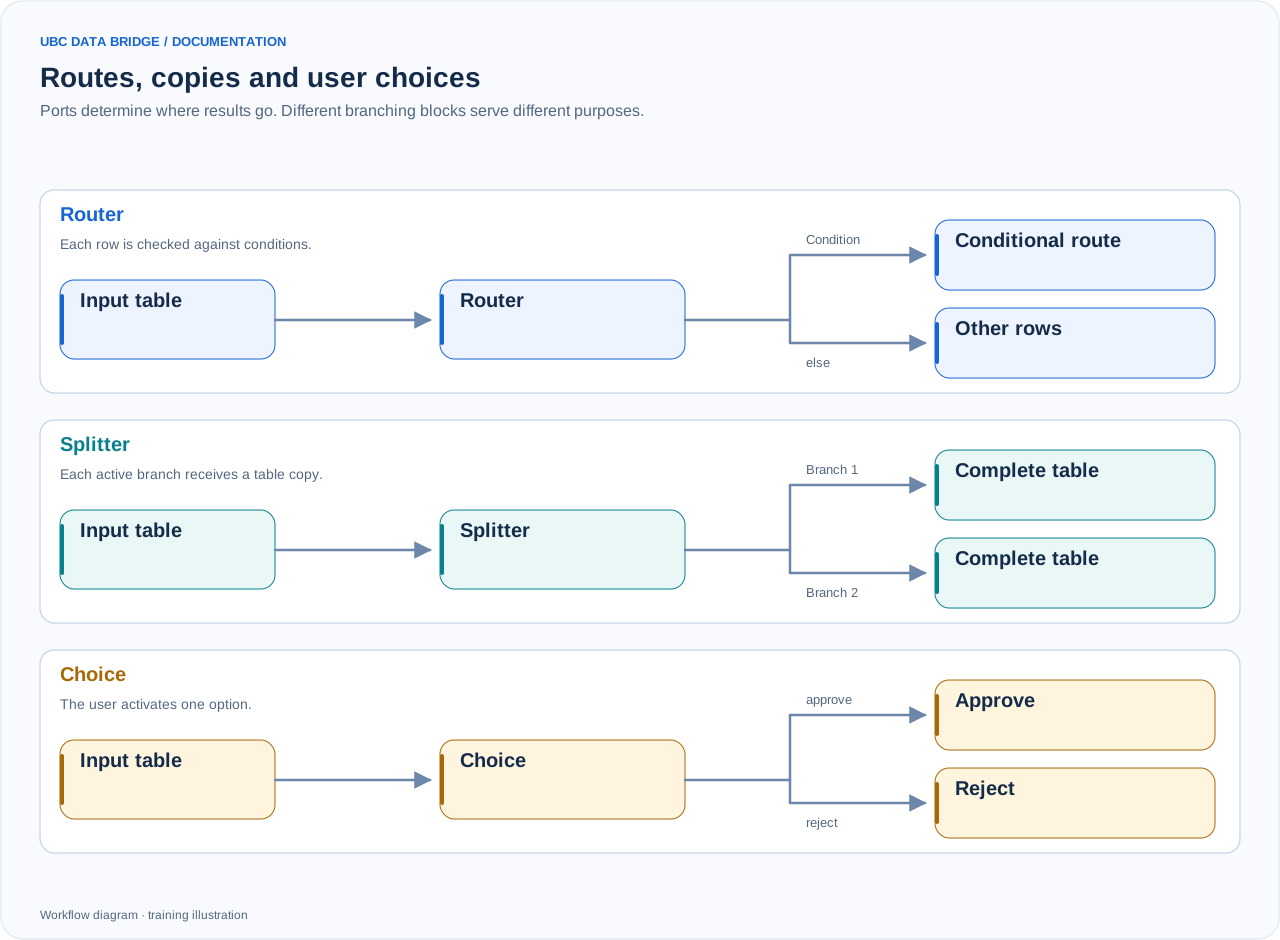
A comparison of routing, splitting and user choice. Routing can use first-match or all-match mode; the diagram shows a simple route and else. Merge also waits for a signal that an input is inactive.
One in input and one output per option. The selected branch receives all the data; the others receive inactive empty tables with the same structure.
Parameters
| Parameter | Settings and values | Options and limits |
|---|---|---|
title | The title shown to the user. | Default: emptyUp to 200 characters |
description | An explanation that helps the user complete the form or make a choice. | Default: emptyUp to 4000 characters |
options | From 1 to 16 options: a unique id, label and optional description. | Count: 1–16 |
wizard | Show the block as a step in the execution wizard. | Default: enabled |
button_size | Button size: medium/large/xlarge. | Options: medium, large, xlargeDefault: large |
layout | Buttons in a wrapping row or a column. | Options: row, columnDefault: row |
Step-by-step configuration
- Put the question in the title and explain the consequences of each option.
- Add options with distinct labels.
- Choose the button appearance and connect the required branches.
- Test every choice in a simulation.
Rules and diagnostics
- The block is always a wizard step and requires a user choice; wizard is forcibly enabled.
- Execution without a selected option produces CHOICE_REQUIRED.
- An unconnected selected output ends that branch.
- Options do not filter rows based on data; the decision applies to the entire table.
Configuration example
Before writing, offer “Load the plan” and “Export to Excel only”. Connect the first output to the cube and the second to export.