Connect your data
Files, databases and APIs in one process.
Explore connectorsChoose a business task and try the steps yourself: prepare a file, set parameters, preview data and see the result.
Validate · Transform · Load
Each scene is interactive. Use the buttons inside the example, or the play and step controls to explore it.
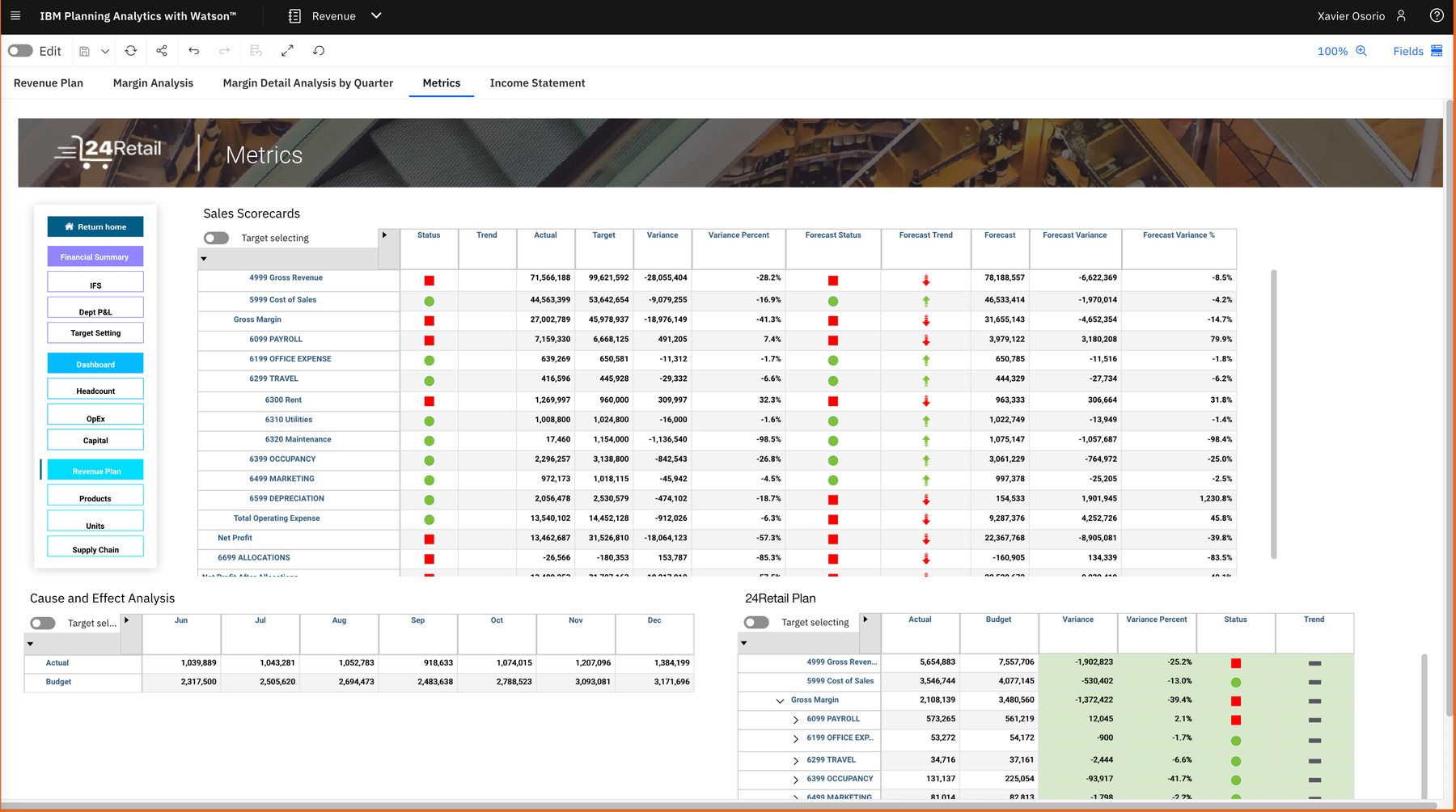
Walk through the Data Bridge launch wizard inside IBM Planning Analytics Workspace.
Press “Load actuals” and choose the sample Excel file.
Set the version, scenario, year and month, then review the data.
Start the load and see the completion status.
A guided action collects the file and parameters, previews the data and reports the outcome in the same workspace.
Explore this capabilityThe demo shows the experience. In your workspace, you connect the sources, define the rules and choose who can run the process.
Files, databases and APIs in one process.
Explore connectorsStart with a source, a transformation and a destination.
Open the quickstartDiscuss the data, access and result you need.
Talk to our teamHow to connect your data, manage access and get started.
No. These examples run directly on this page with sample data. You can explore the steps and restart any scenario.
This page uses prepared examples. For a demonstration with your structure and business rules, book a session with our team.
No. The examples illustrate the execution sequence without connecting to your databases, CRM or email. In a working installation, the configured connections and access rules determine the actual actions.
The documentation includes a quickstart, connector settings, file handling, execution parameters and embedded buttons. Use the links below each scenario to explore the relevant capability.
Tell us which data you need to connect. We will explain how it works and show you an example.
Sources, rules and outcomes — let’s build the conversation around your workflow.